Recently, we had a client who wanted 10 different languages on their website.
PrestaShop makes it easy to add languages; however, the more languages you have, the more time you have to spend translating.
For example, to translate from French to English, you can do this:
Copy the French text from a field, paste it into Google Translate in another browser tab, choose a language (e.g., English), then return to your PrestaShop page, change the language, and paste/adapt the text.
Repeat this process for each language.
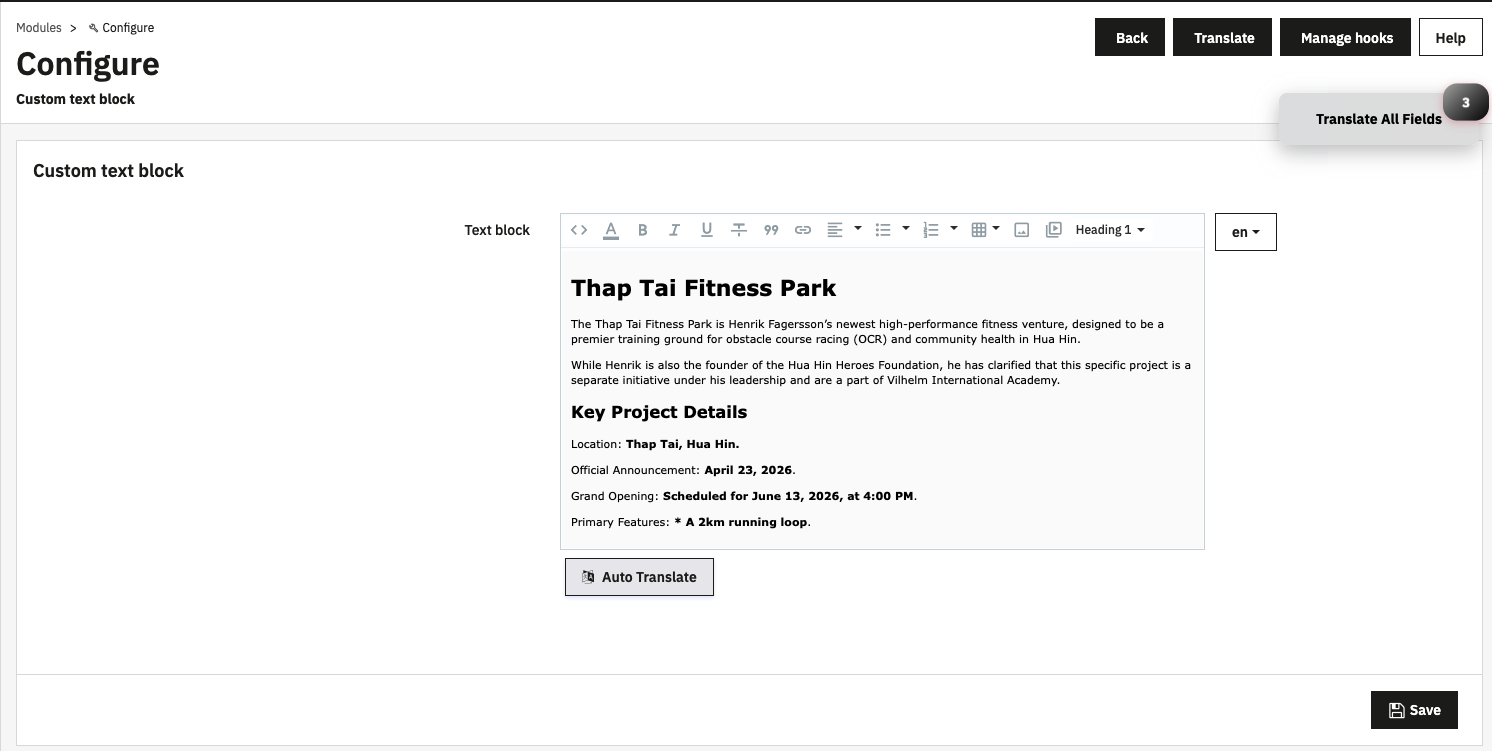
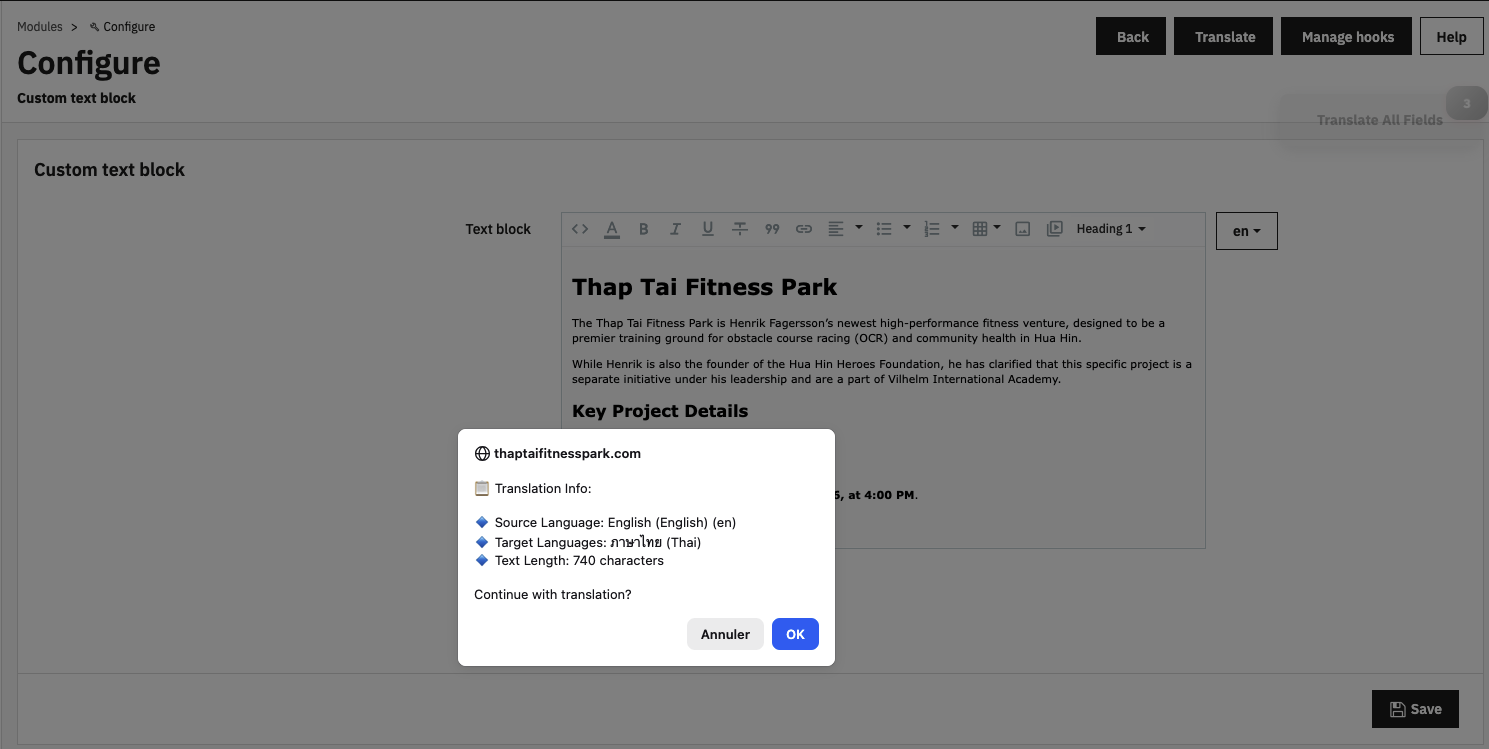
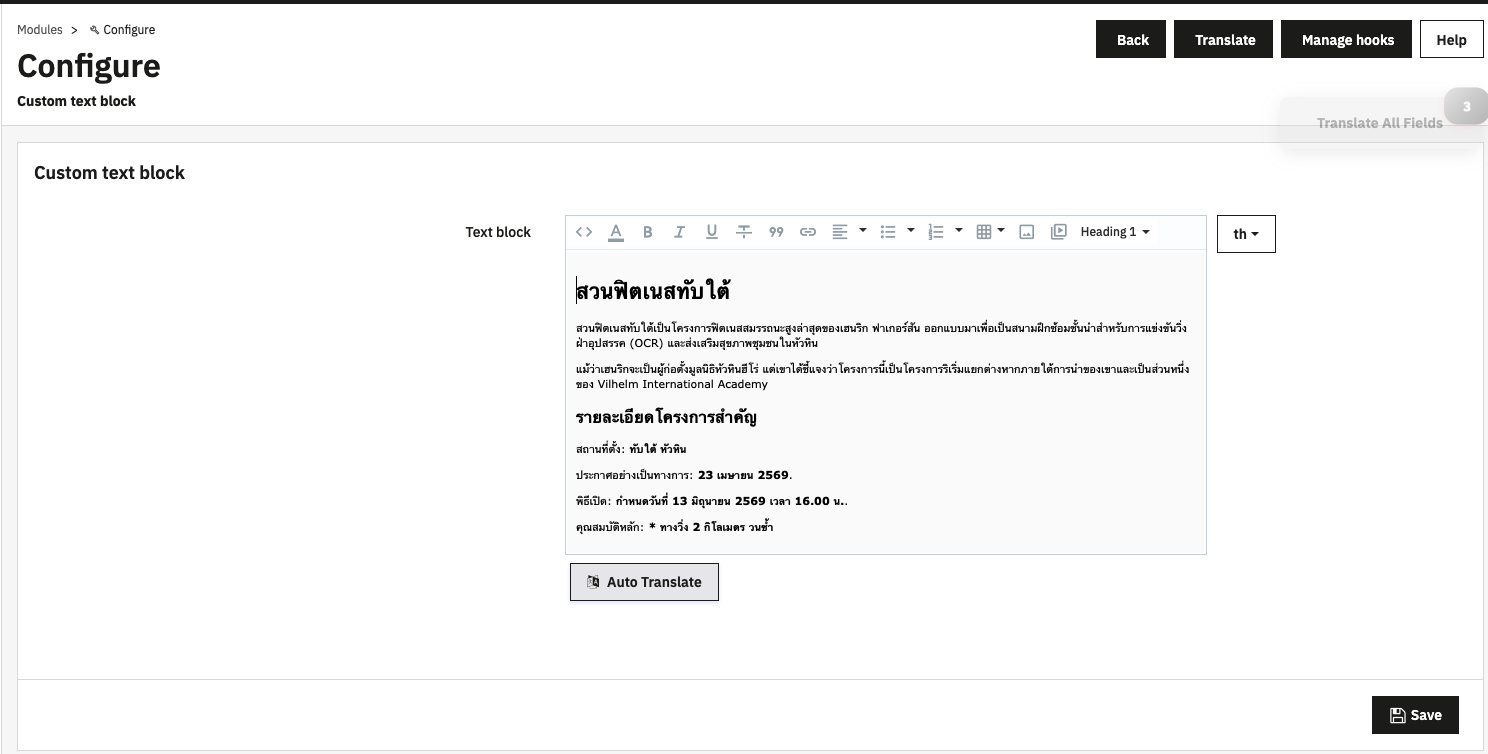
A module has been created that adds an "auto-translate" button to most translatable forms in the back office. When clicked, it detects the current language (e.g., French), calculates how many languages need to be translated, then sends requests to the Google API and pastes the translated text.
This saves a huge amount of time, as you only need to click one button (and then confirm), wait a few seconds, and the content is translated into multiple languages!
There is, however, a small cost if you overuse translations, especially at the beginning of a project, but for normal use, the time savings are well worth it!
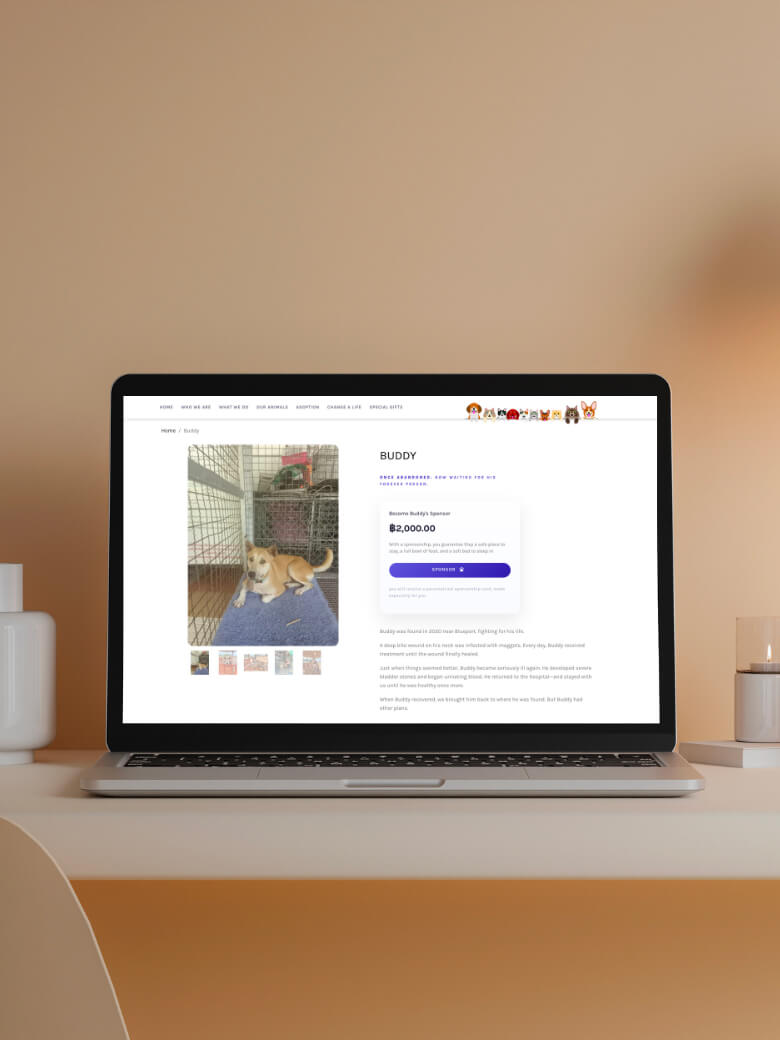
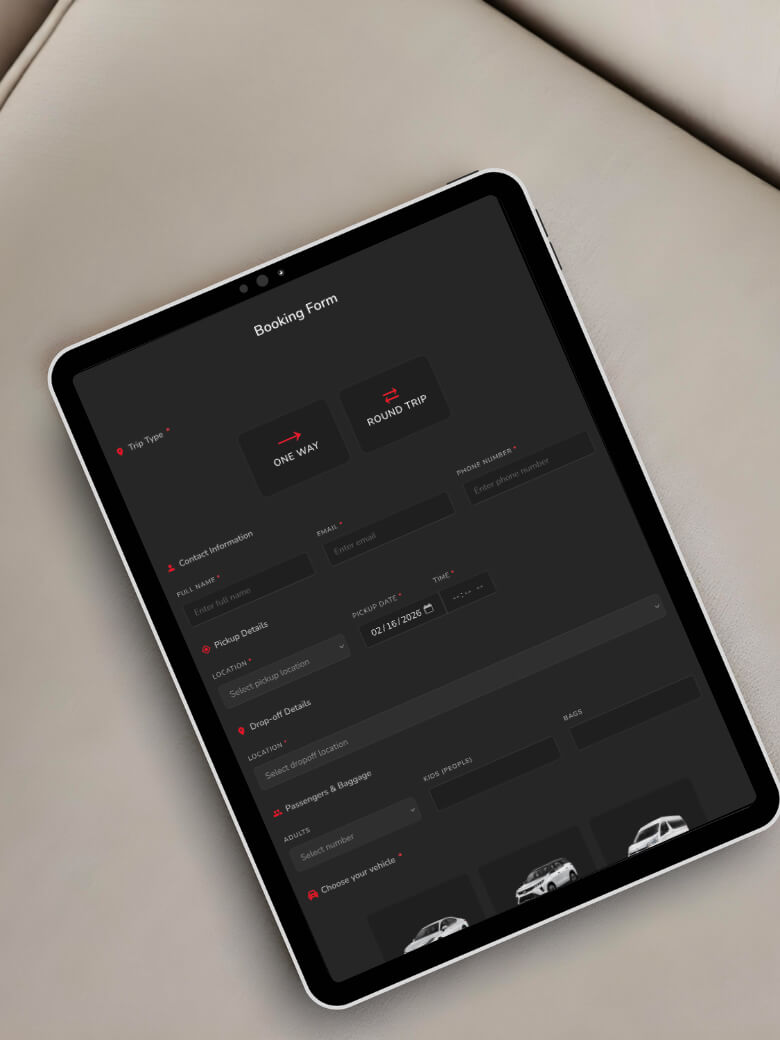
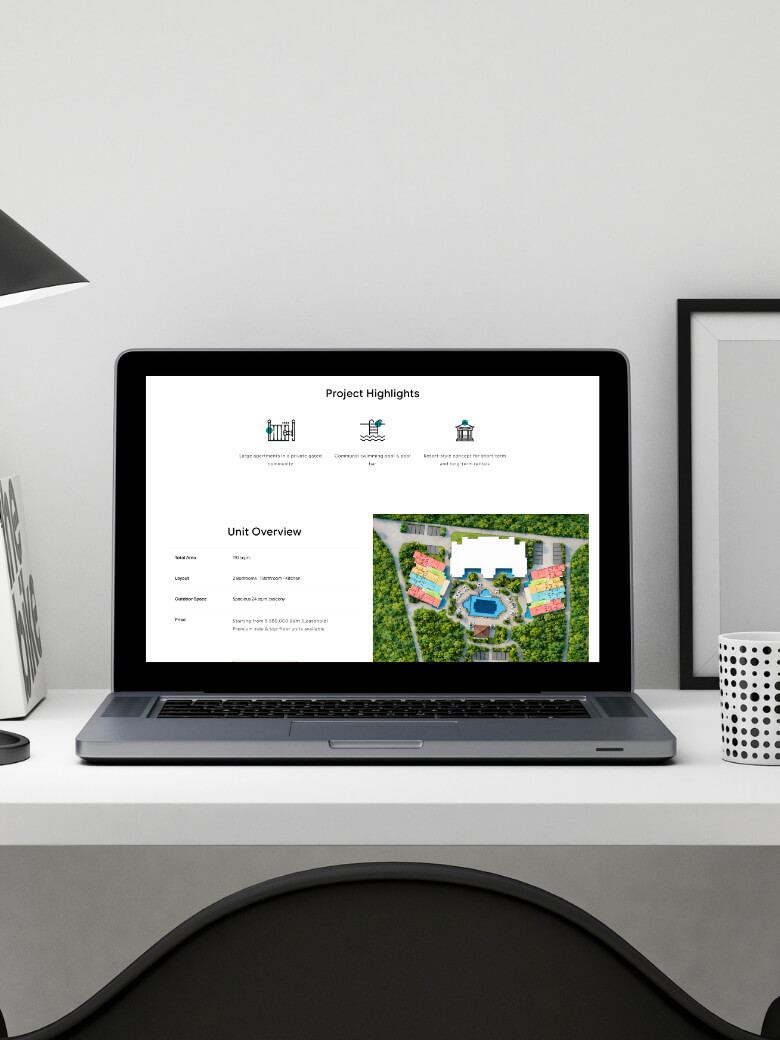
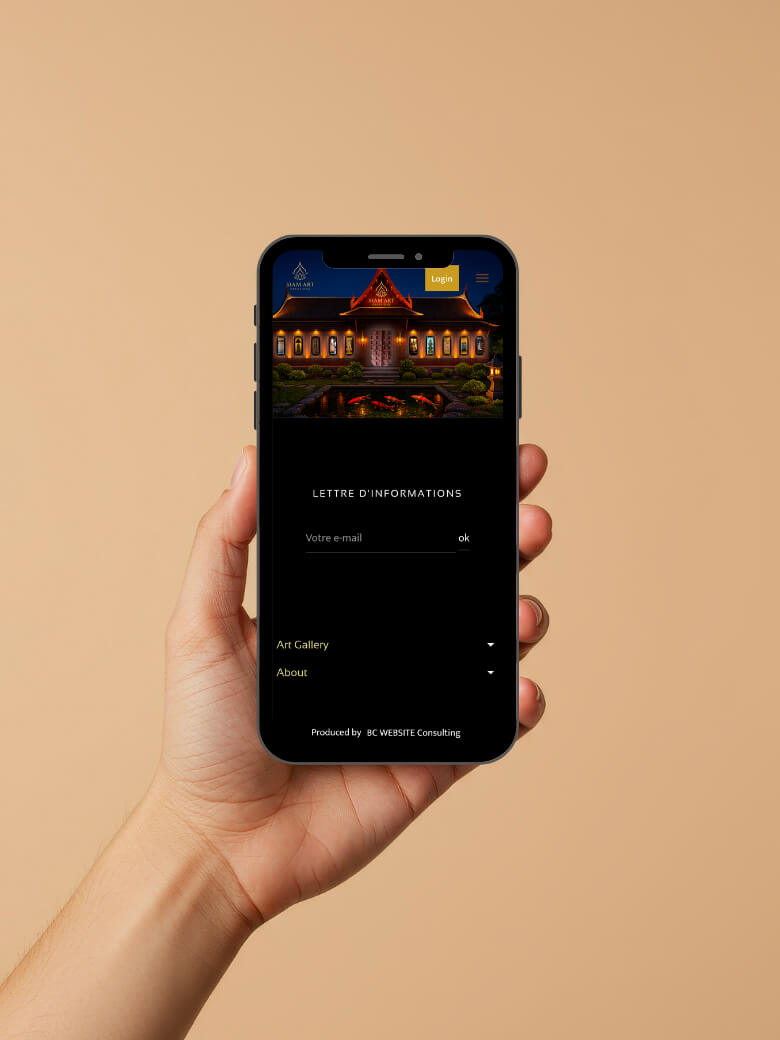
Here are some screenshots to better illustrate the power of this module and, above all, the time saved.
check_circle
check_circle