Recently, we had a client whose website had a lot of visitors browsing products, only to add items to their cart and close the page without ever placing an order. Worse still, the store had no way of knowing who these visitors even were, since they hadn't logged in or left an email address anywhere.
PrestaShop doesn't have a built-in feature to capture the email of visitors who aren't logged in and automatically match it with the cart they left behind. This means stores miss out on the chance to follow up and win back the sale, simply because they never had any contact information for these visitors in the first place.
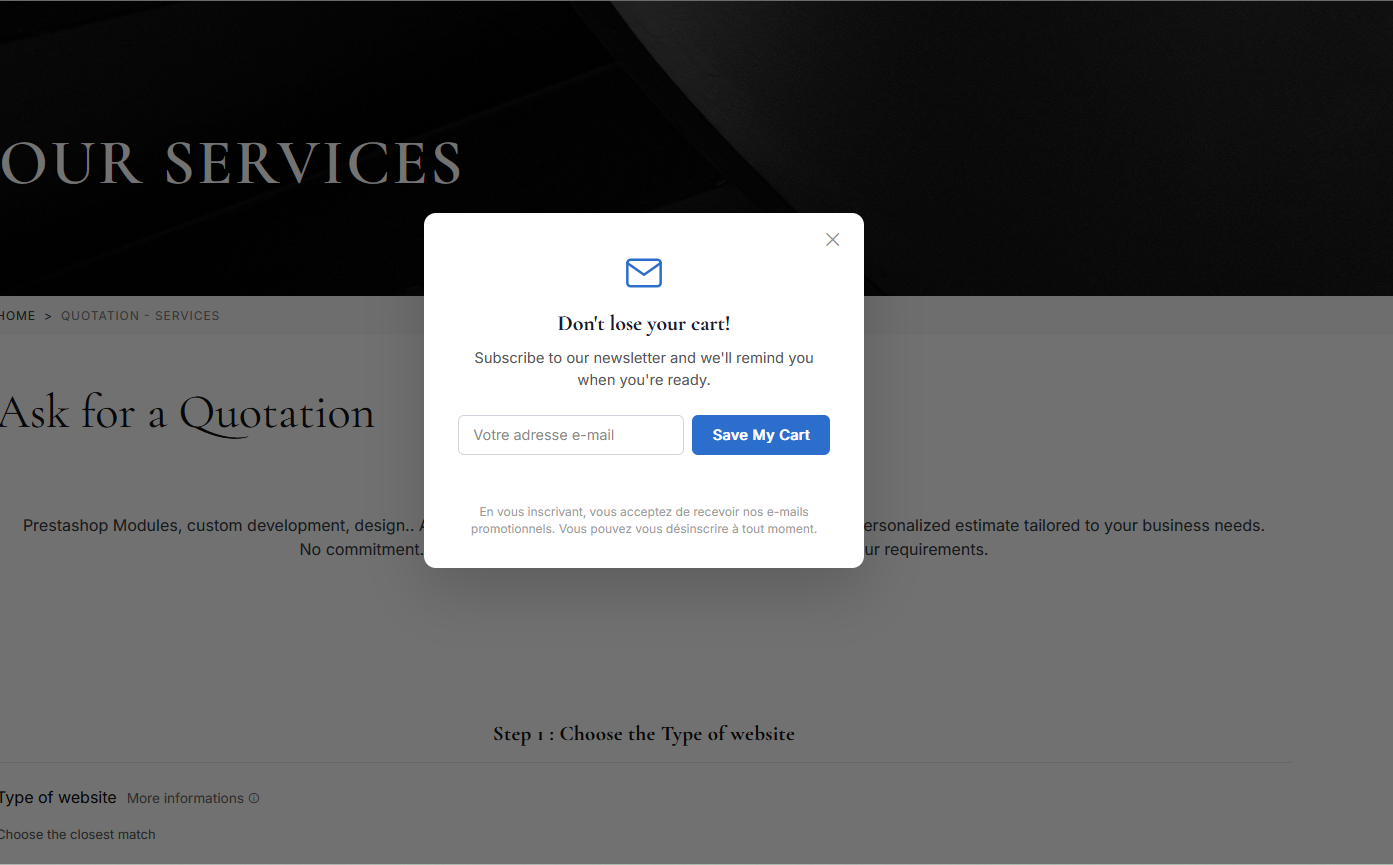
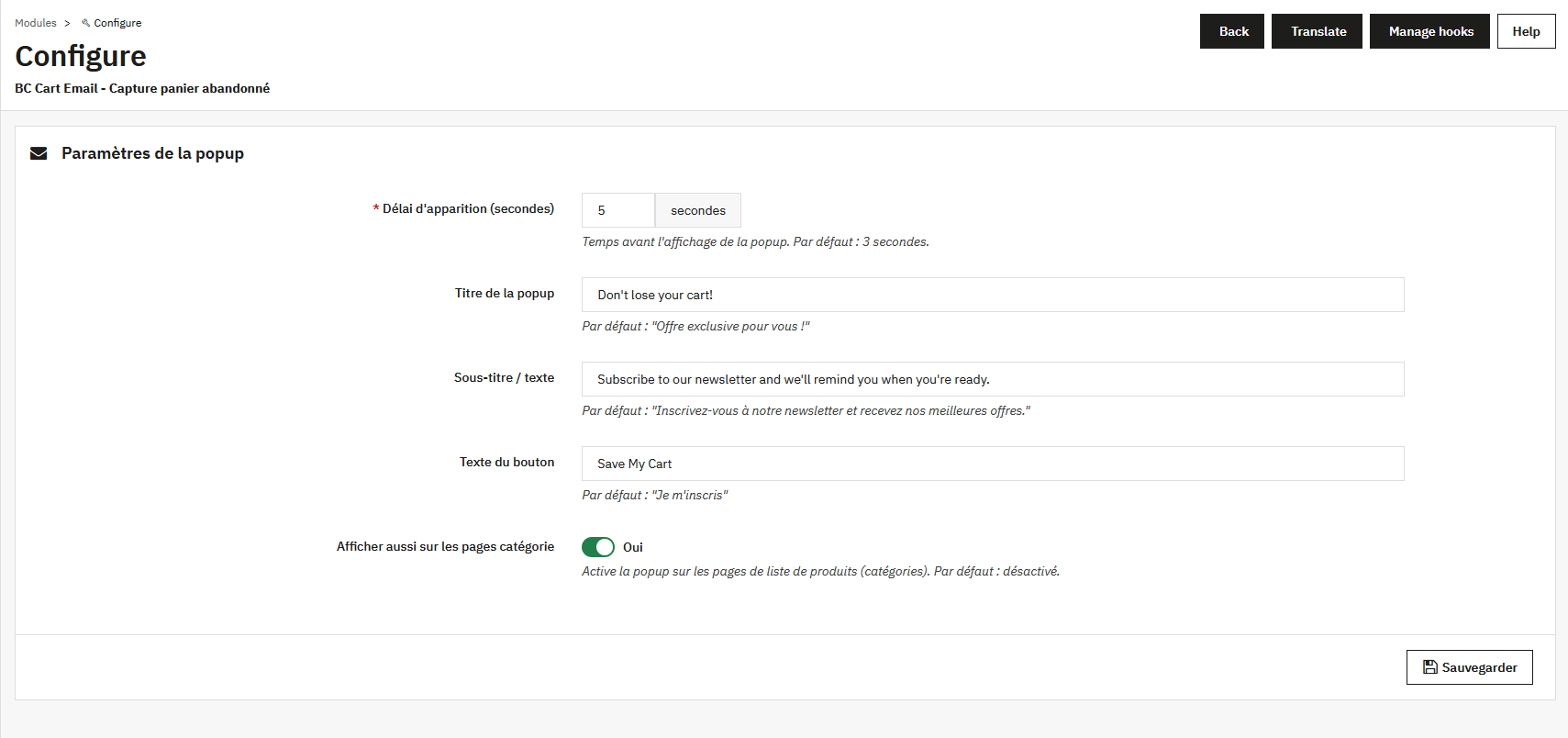
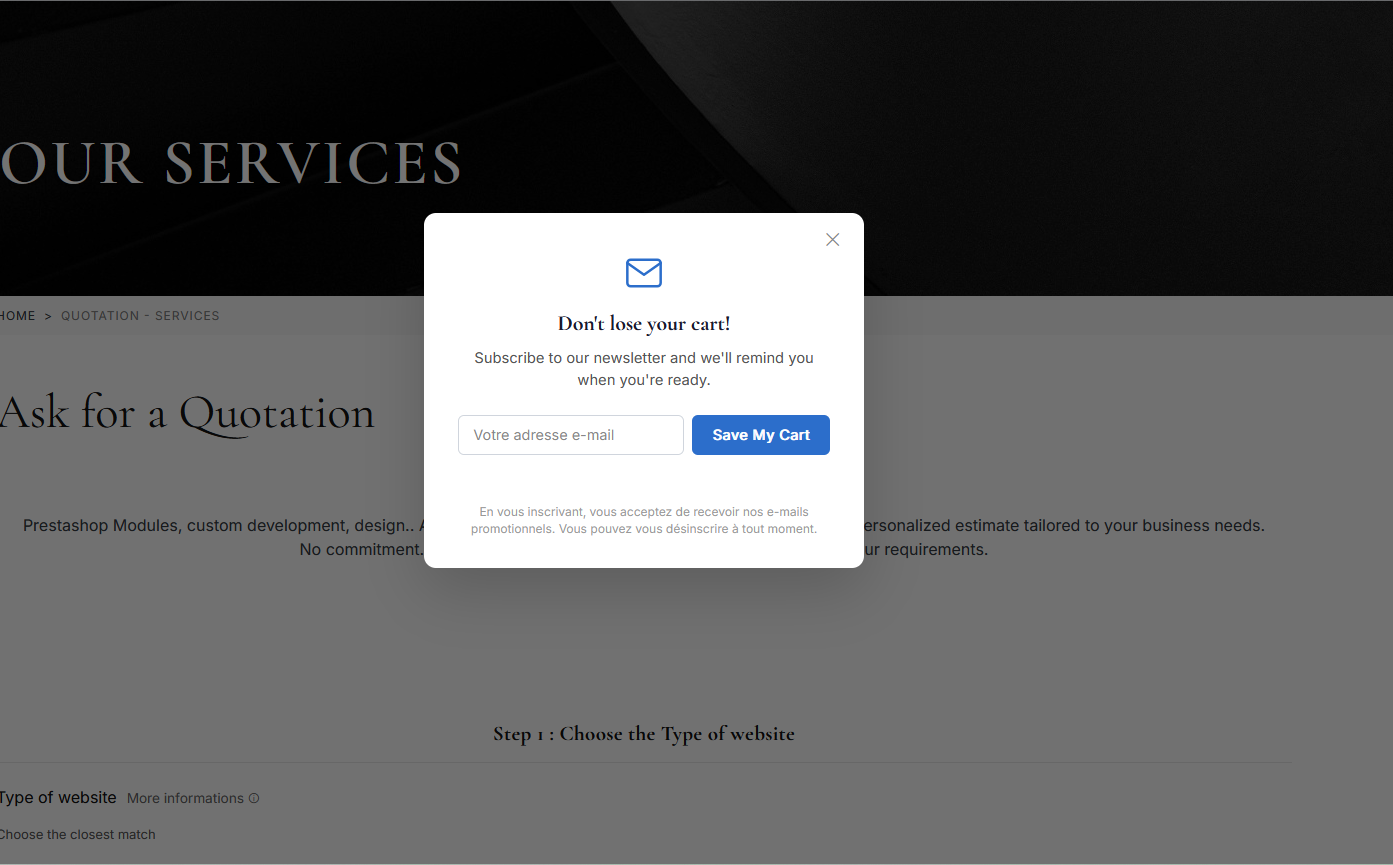
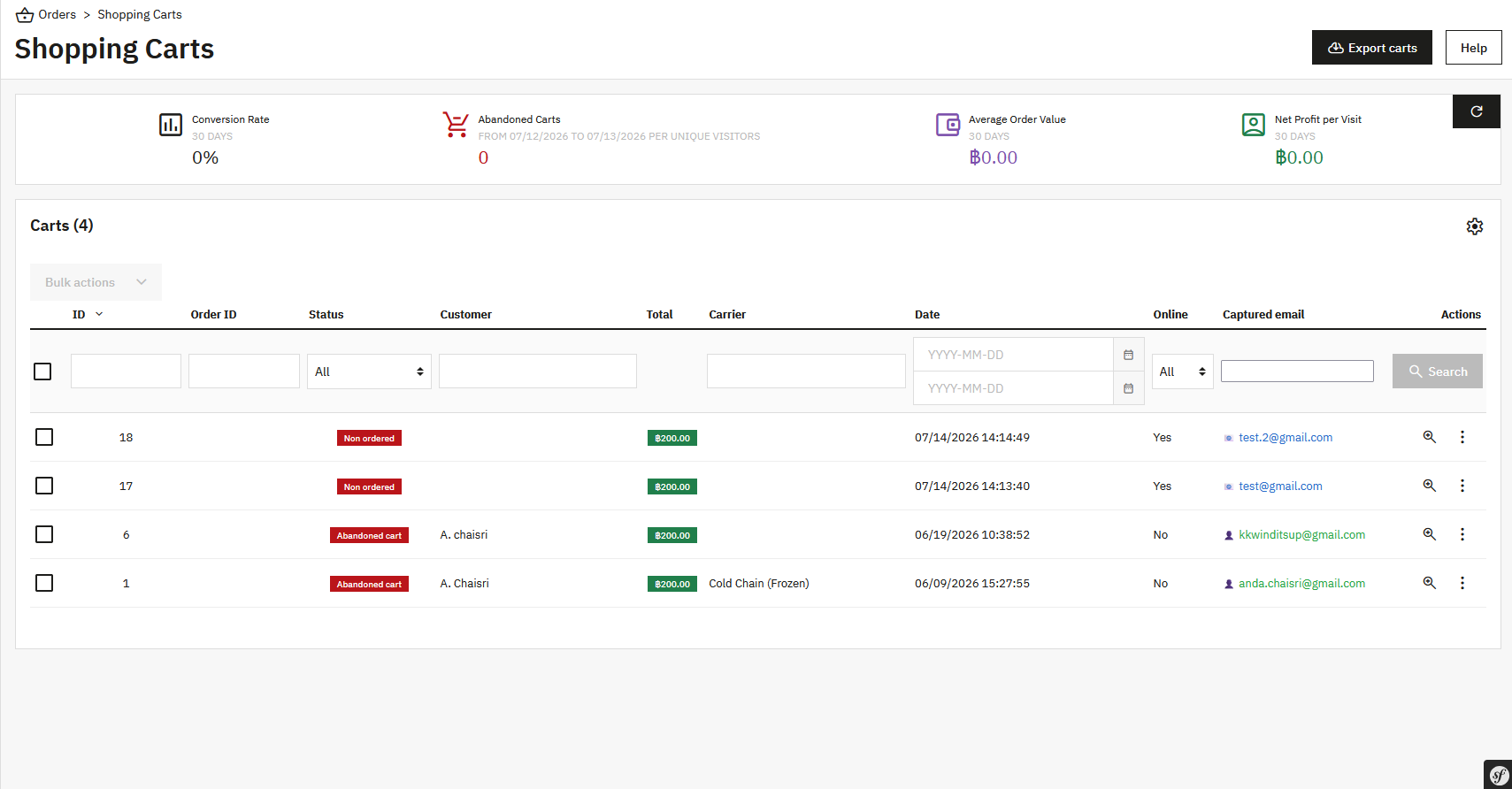
It's a PrestaShop module that displays an email-capture popup on product pages for visitors who aren't logged in (shown once per session), then automatically matches the email collected with that session's shopping cart, so the store knows who left a cart behind without ordering.
Normally, a store only learns a customer's email once they log in or enter it at checkout — meaning any visitor who adds items to their cart and simply closes the page leaves no way to be contacted at all. This module was built to capture the email upfront, before the visitor disappears.
cart/orders tablescheck_circle
check_circle