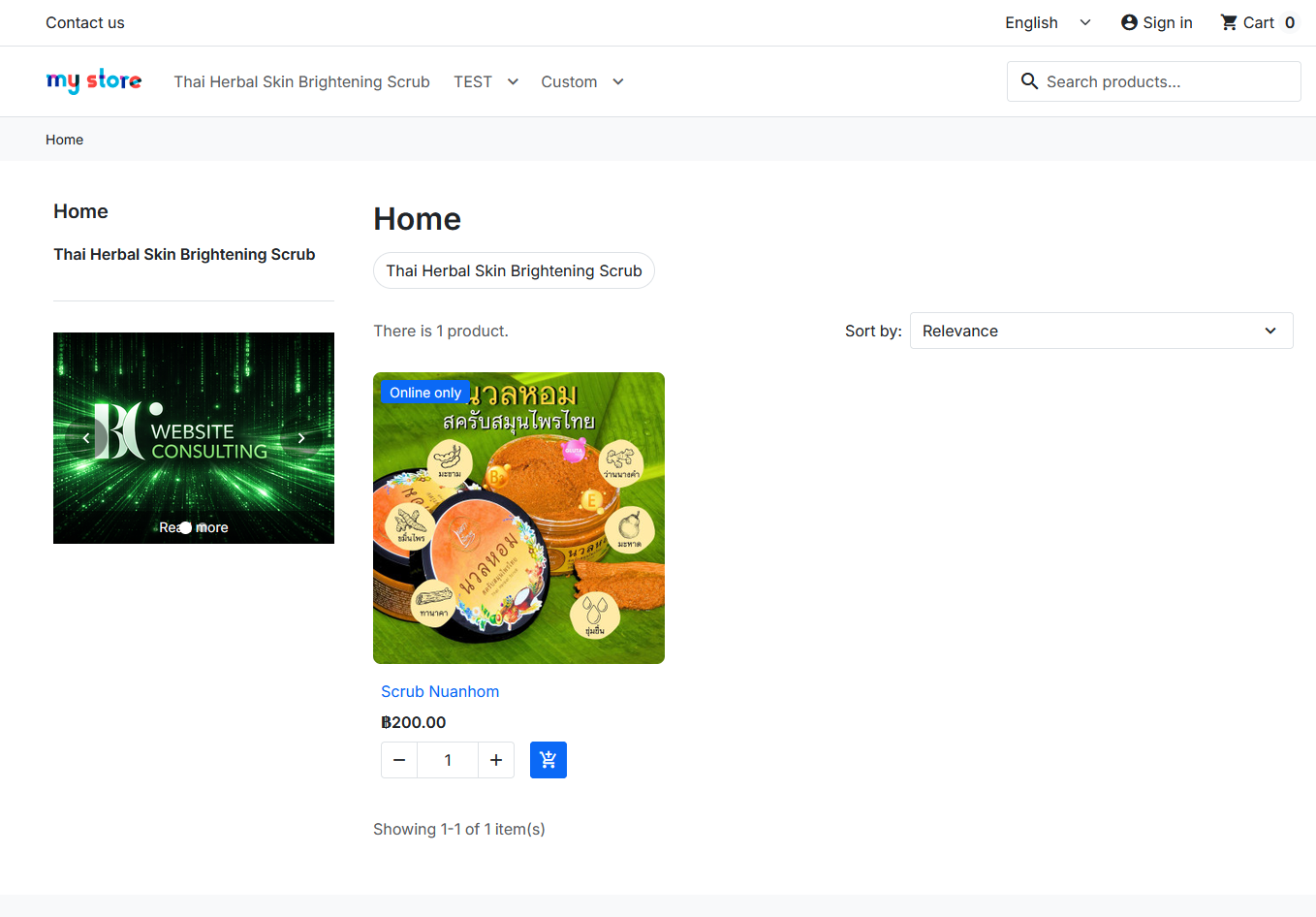
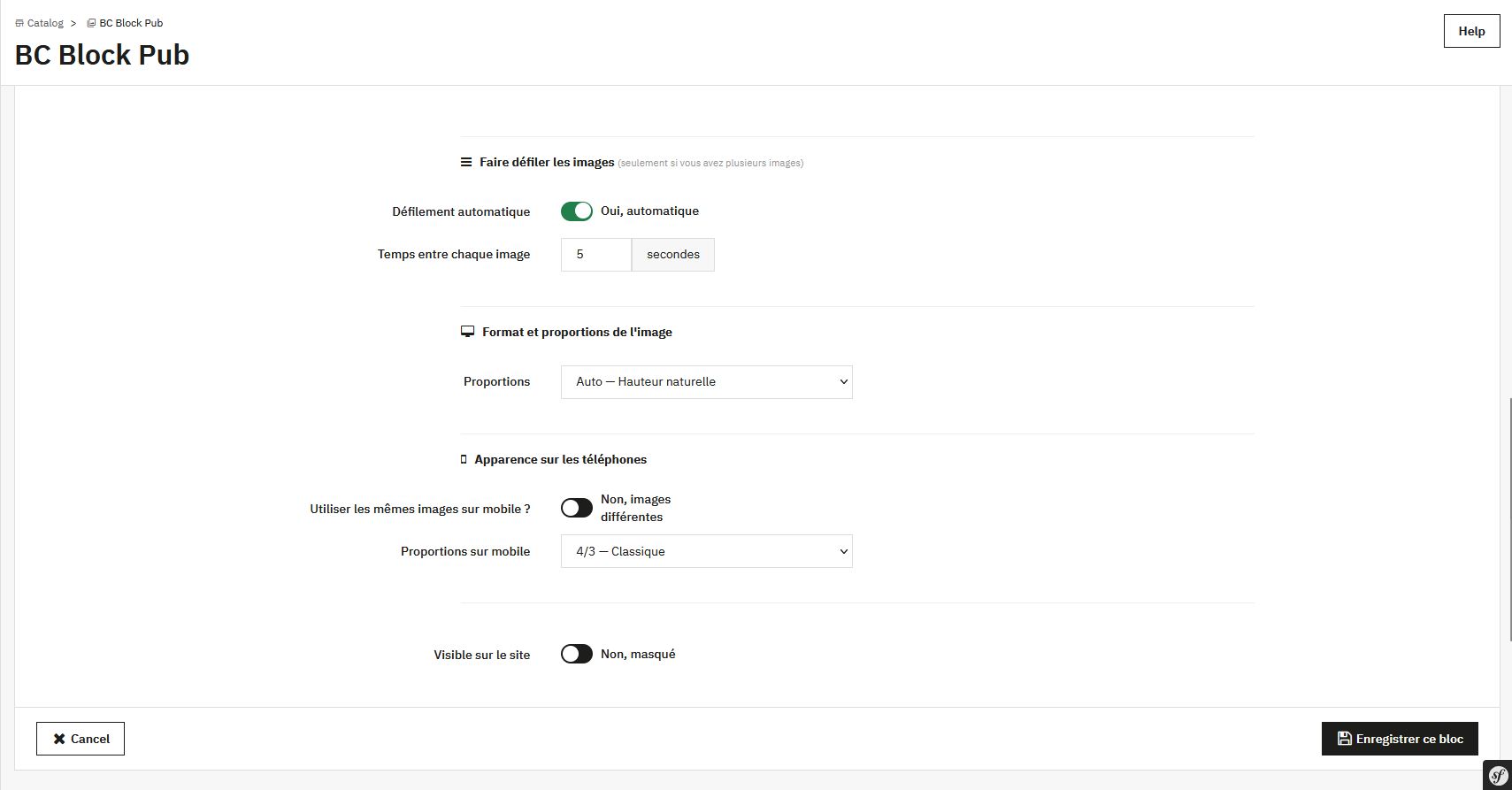
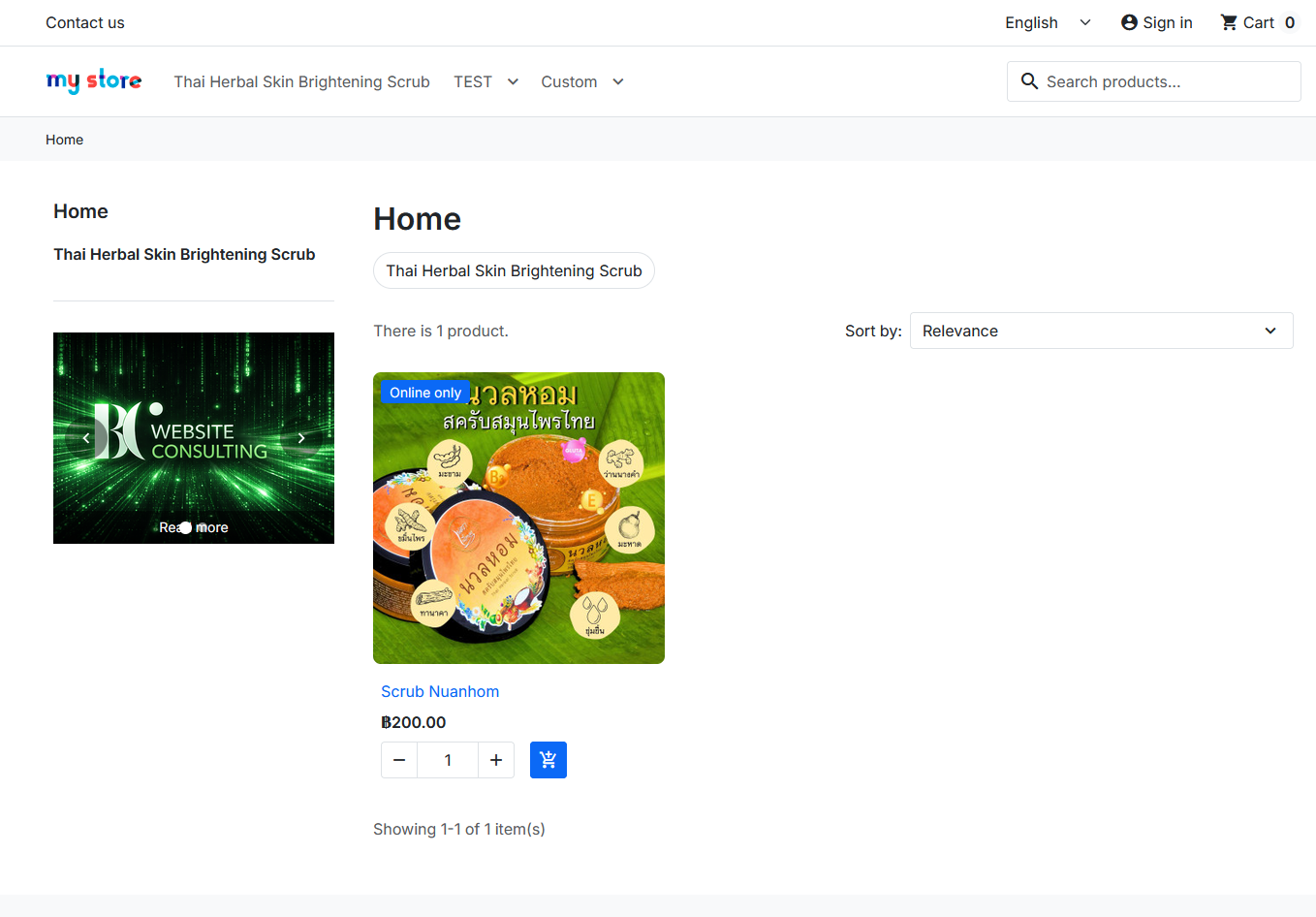
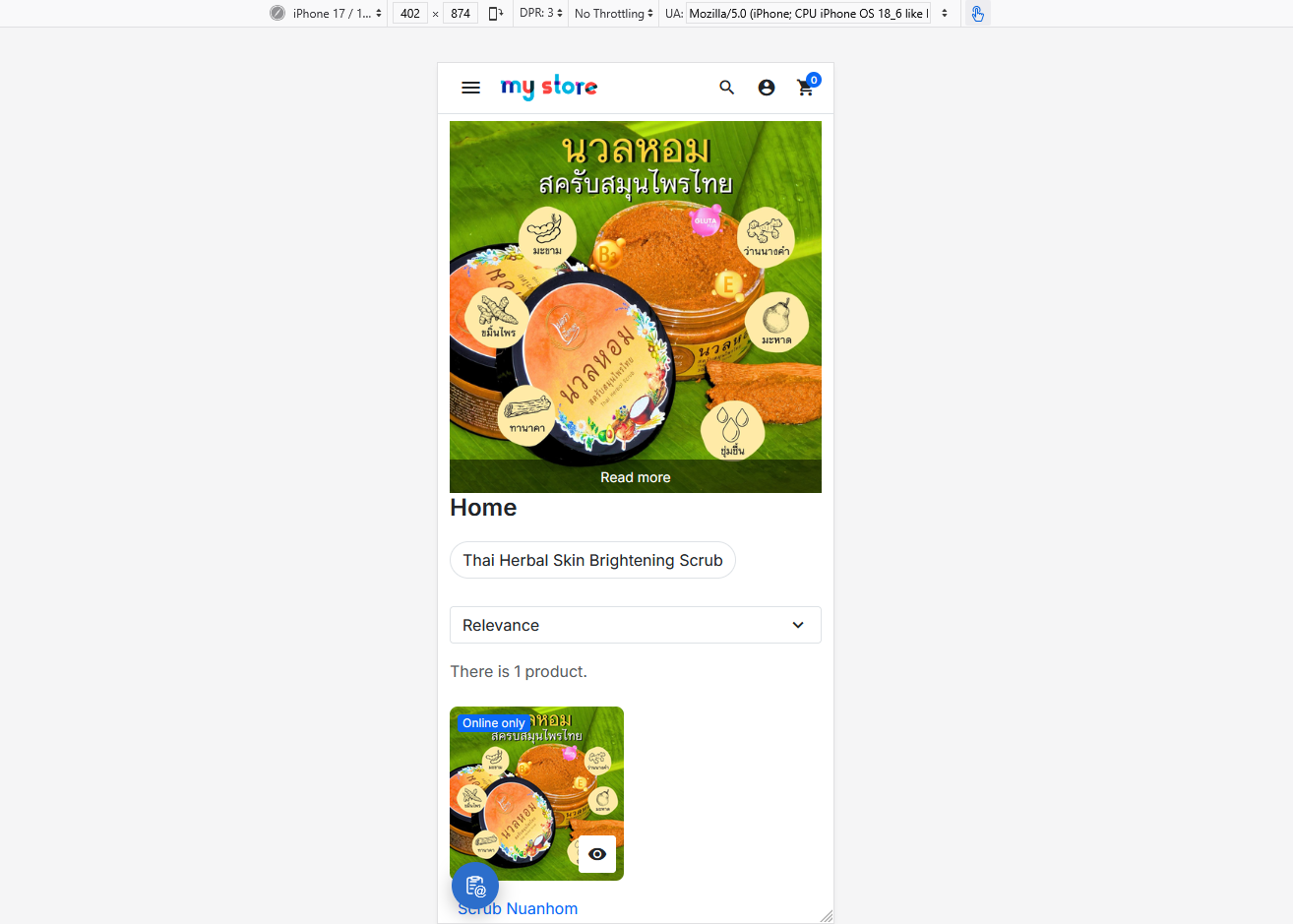
Recently, we had a client who wanted to change their homepage promotional banner very often, but every time they needed to swap an image or move the banner's position, they had to get the development team to edit the theme code for them. On top of that, whenever they wanted a slider with 2-3 images rotating, It turned into another round of spending time for custom JS to be written.
PrestaShop doesn't have a built-in feature that lets admins manage images, banners, or sliders themselves from the back office. This forces stores to rely on their development team for even small changes, when it's the kind of thing that should take just a few clicks to do on their own.
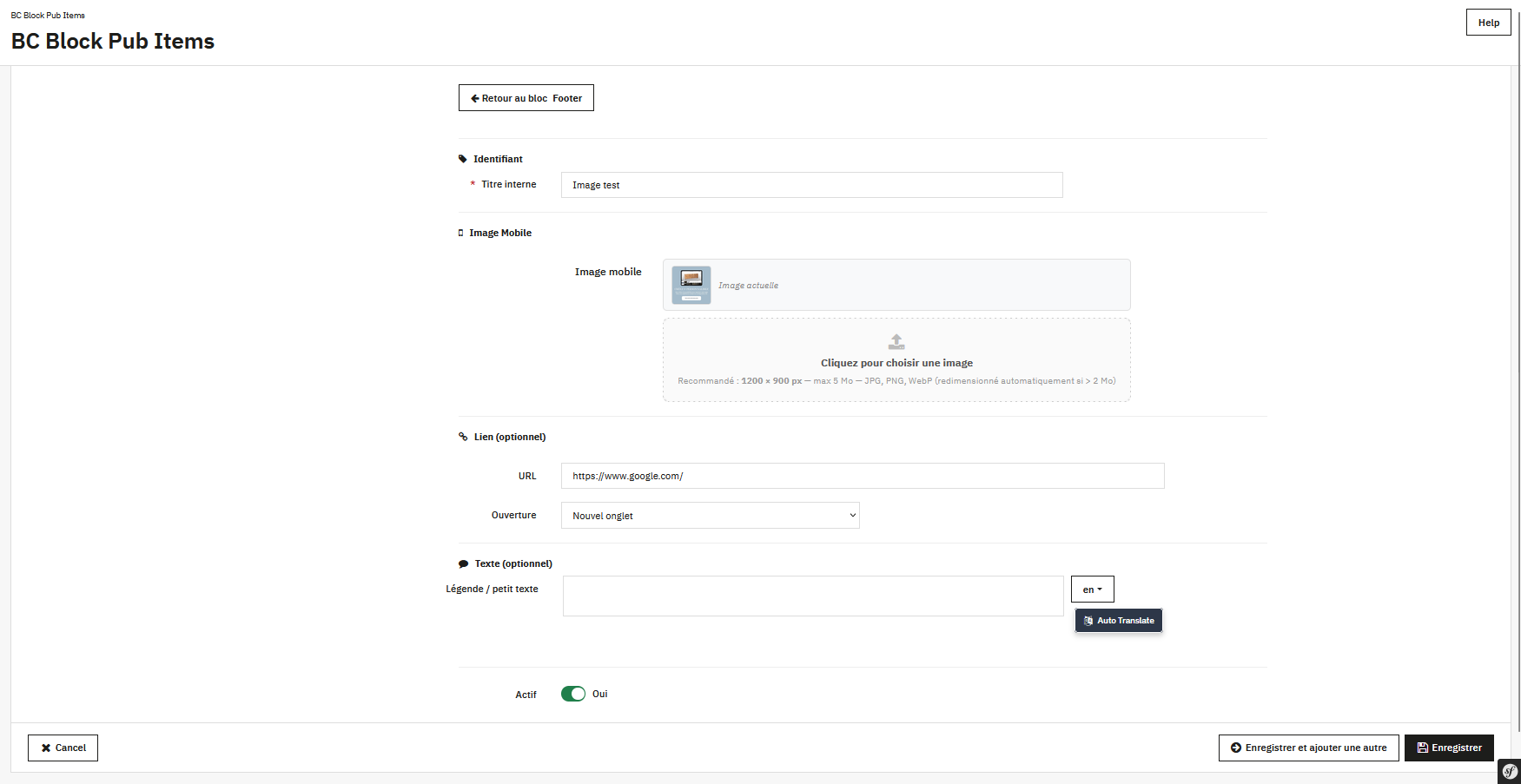
This module was therefore built to give store owners back their content autonomy — whether it's swapping an image, repositioning a banner, adjusting a slider, or turning a promotional popup on or off, everything can be done instantly from the back office, without waiting on or relying on a developer to write new code every time a small change is needed.
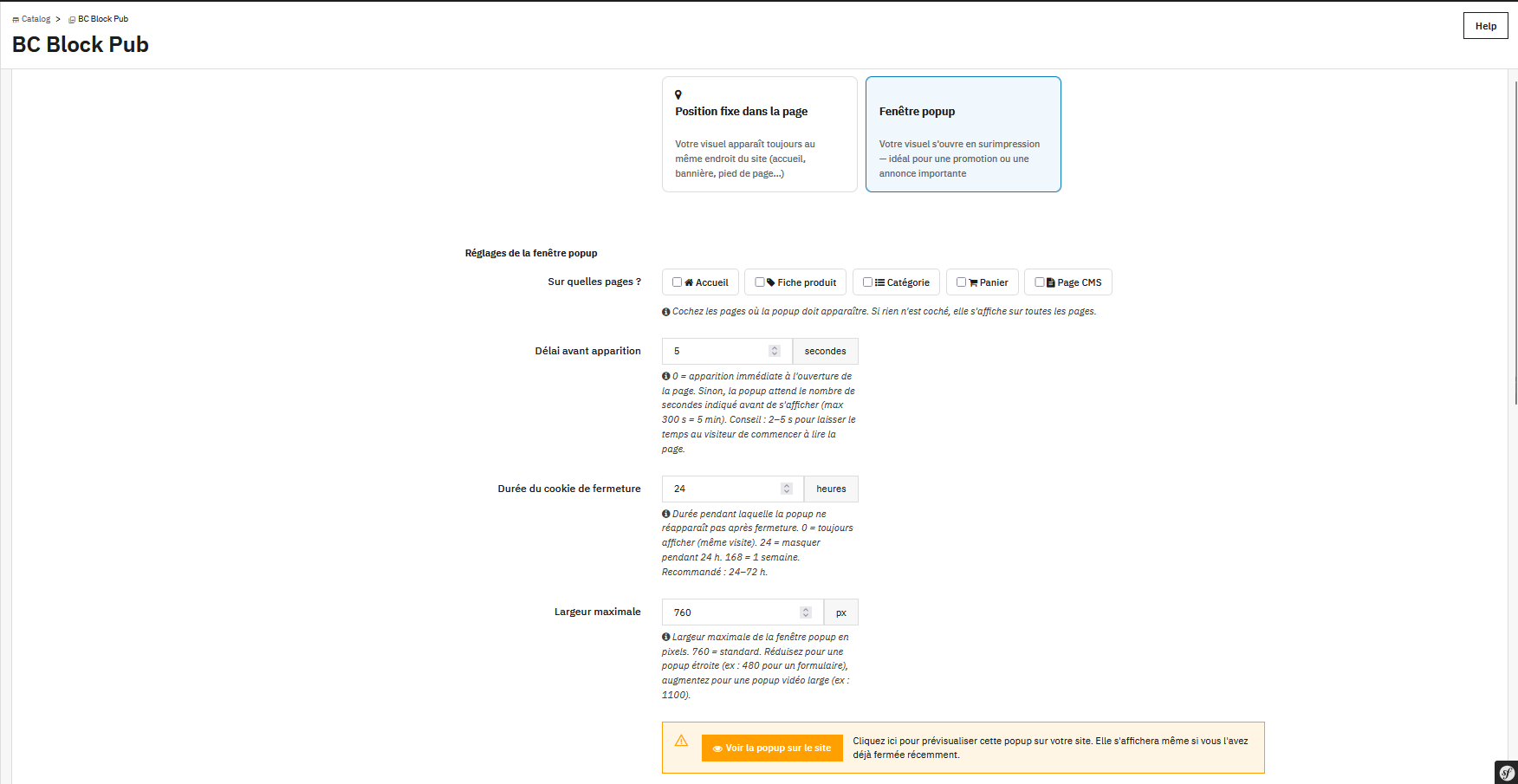
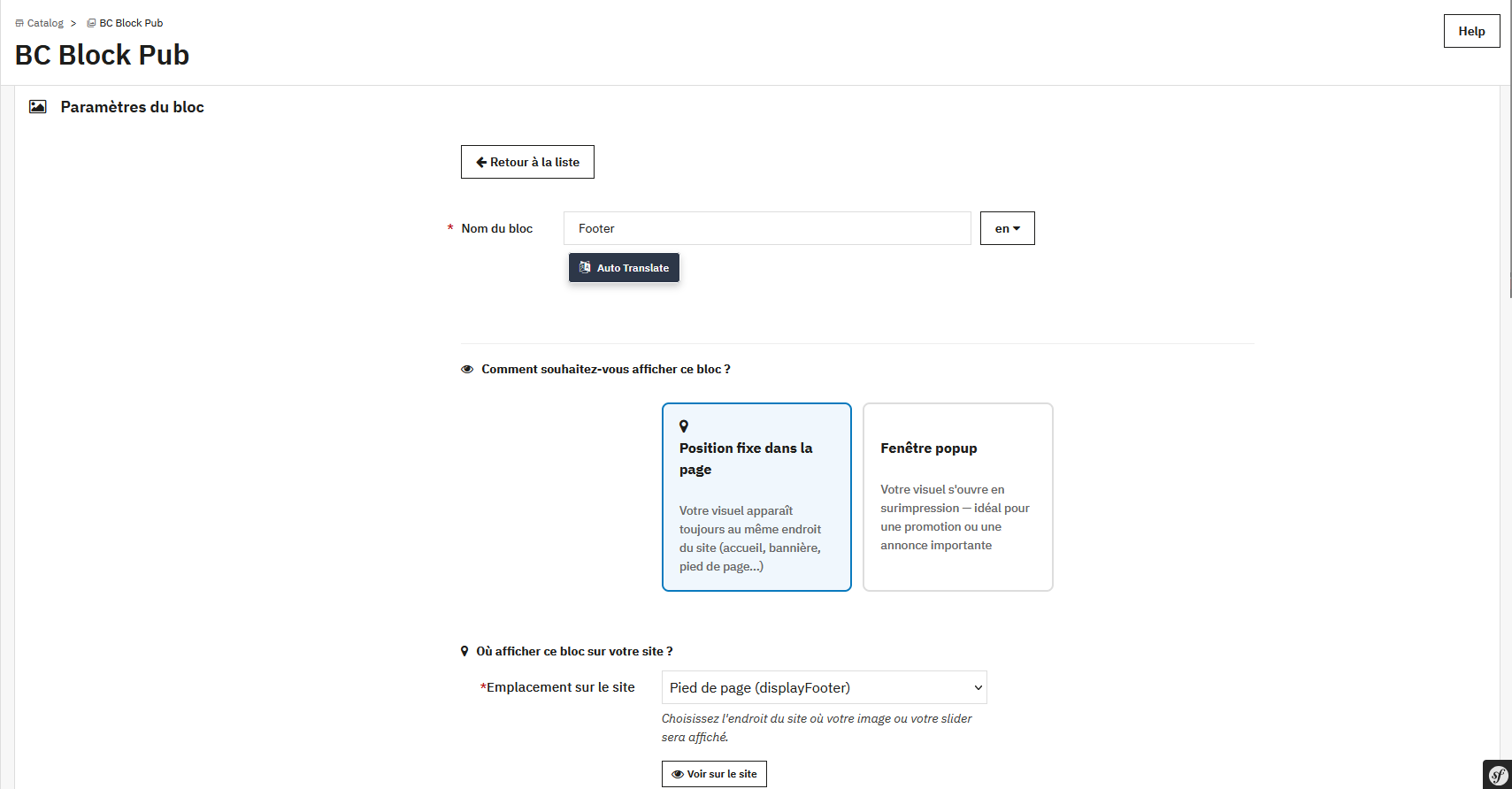
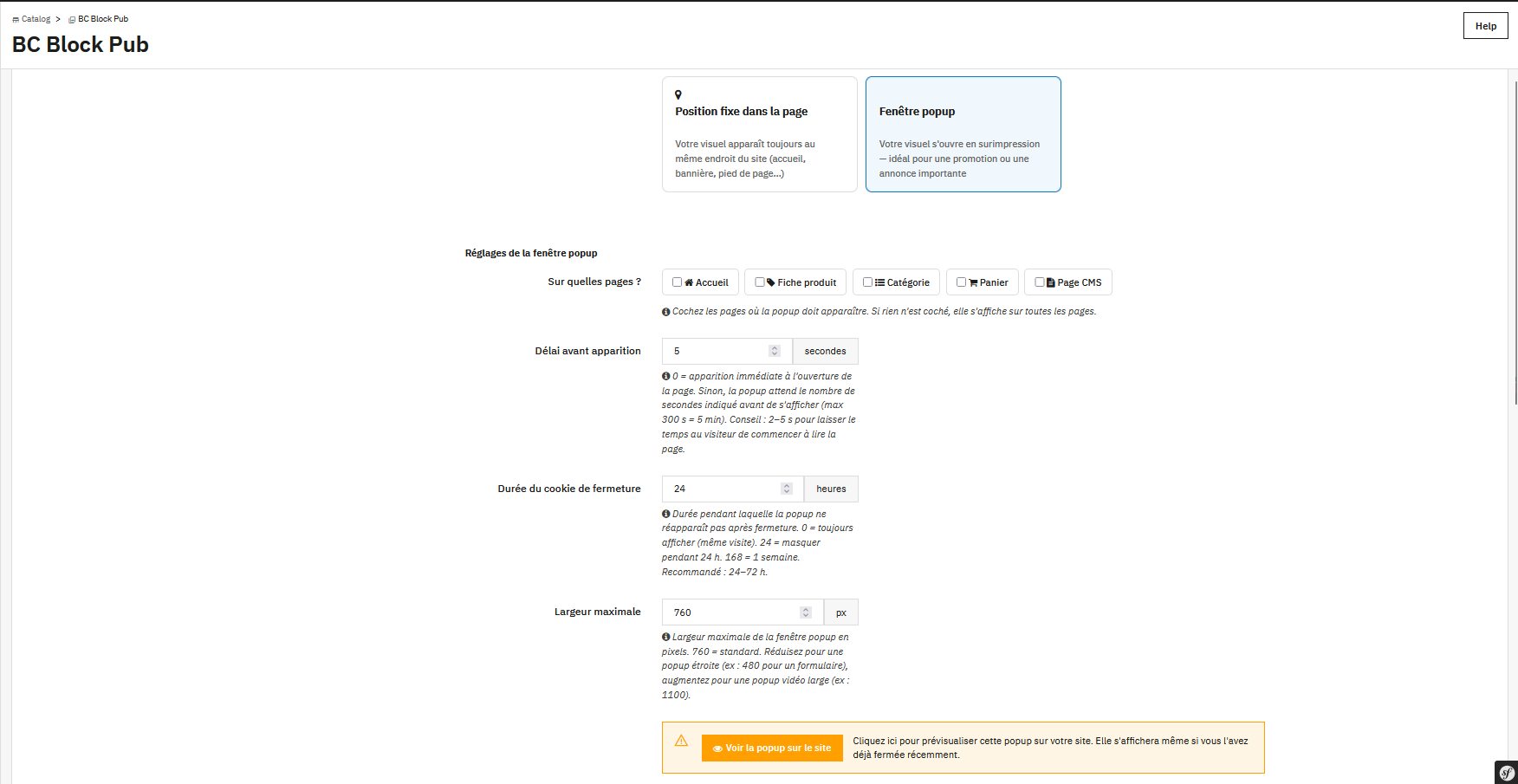
It's a PrestaShop module for creating image blocks (single image or slider) and placing them anywhere in your theme through the hook system — both standard PrestaShop hooks (e.g. homepage, top of page, banner, footer, left/right column, etc.) and custom hooks (displayCustom1-5) for positions your theme doesn't natively support. It can also be displayed as a popup, targeted to specific pages (e.g. specific product/category/CMS IDs).
Because adding a banner or promotional image in a PrestaShop theme normally requires editing the theme's code directly every time the position or images change, and building a slider on top of that would mean writing custom JS. This module was built so admins can manage images, banners, and sliders entirely from the back office, without touching the theme's code (except for a one-time hook snippet for custom positions).
check_circle
check_circle