Recently, we had a client with several frequently asked questions from customers, but each one related to a different part of the website — some questions were about shipping for one specific product, others were about a particular brand, and some were general questions that should appear on every page. In the end, the client settled for a single all-in-one FAQ page, which meant visitors had to dig through unrelated questions just to find the answer relevant to the page they were actually on.

PrestaShop doesn't have a built-in feature for displaying FAQs that are "context-aware" of which page they're on. This leaves store owners with only the option of building one static FAQ page containing every question lumped together, with no way to match questions to the specific pages they actually relate to.

What does this module do

It's a PrestaShop module for creating and managing FAQ categories, where each category can be set to display on every page (Global) or only on a specific page — the homepage, a specific product page, a category page, a CMS page, a manufacturer page, or a supplier page — with built-in multi-language support.
Why it was built

Because PrestaShop has no built-in FAQ system, and a typical FAQ is usually stuck on a single, static CMS page — it can't show questions that are relevant to just one specific context, like a shipping question about one particular product, or a question about one specific brand. This module was built so the FAQ is "smart enough to know what page it's on" and automatically shows only the questions relevant to that page.

What problem it solves

  • Finding an answer gets hard once there are a lot of questions — a search box with real-time highlighting solves that.
  • A generic FAQ shows every question on every page, with nothing tied to context — customers have to dig through irrelevant questions to find their answer.
  • Needing a separate CMS page every time a context-specific FAQ is needed (e.g. product- or brand-specific) — this module lets an admin attach FAQs directly to the page that needs them, with no extra page to build.

How it works

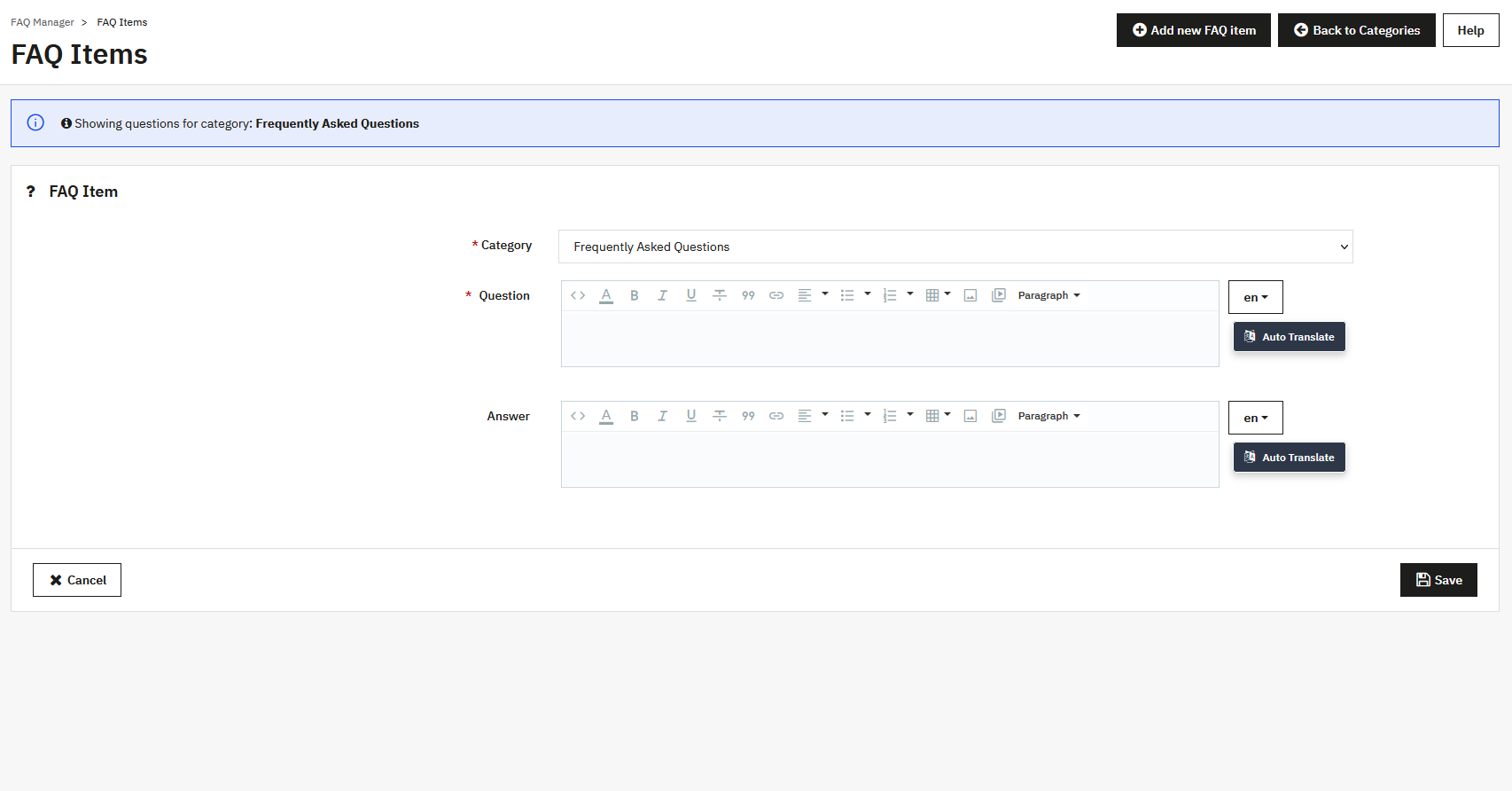
  1. The admin creates an "FAQ category" and chooses the page type it should appear on (Global / Home / Product / Category / CMS / Manufacturer / Supplier); if a specific page type is chosen, they can enter that page's ID (e.g. a product ID), or leave it blank to apply to every page of that type.
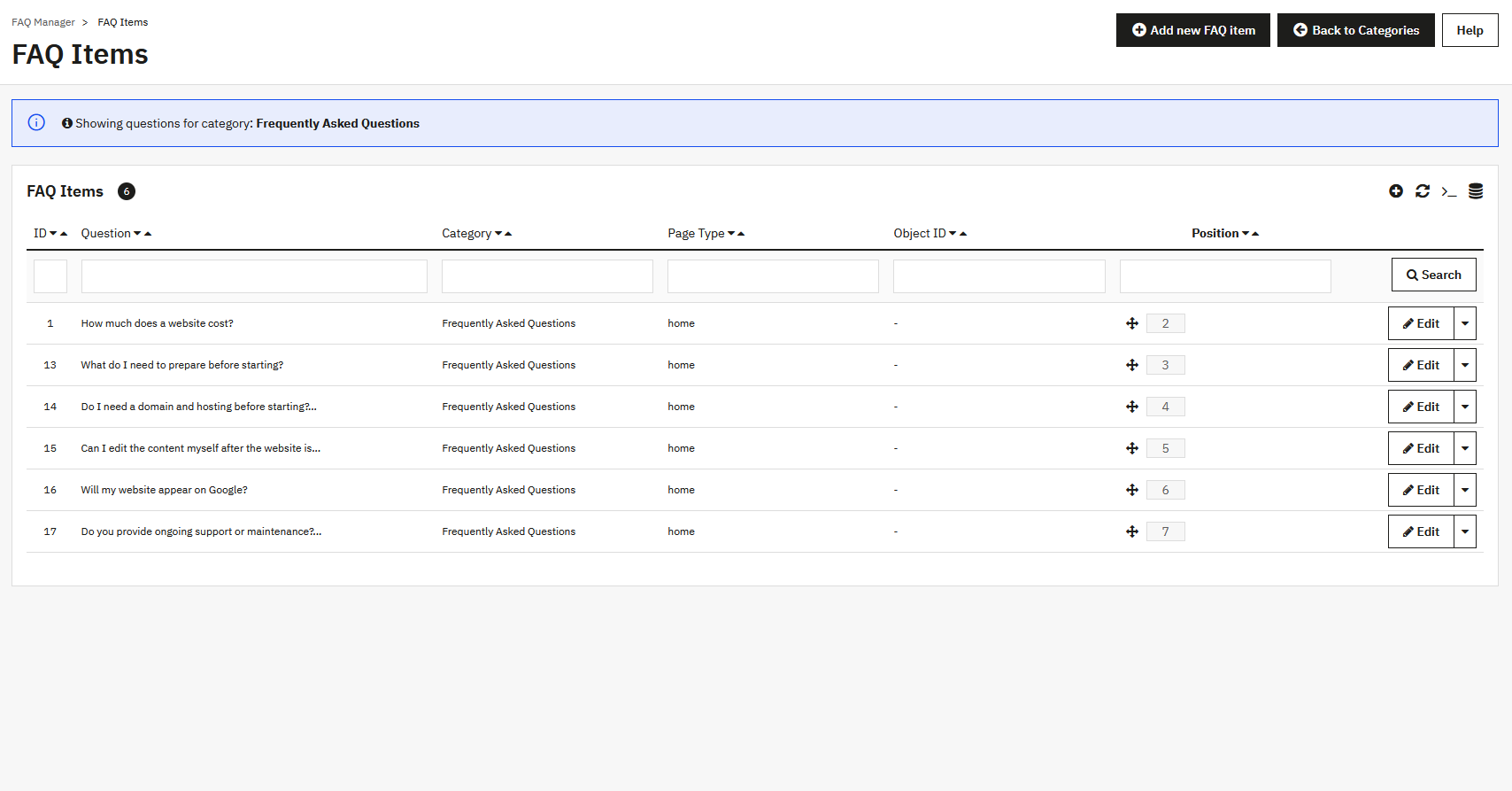
  2. Within each category, the admin adds question-and-answer items, and can reorder them by drag-and-drop.
  3. When a customer visits the site, the module automatically detects what type of page it's on (product / category / CMS / homepage / manufacturer / supplier), then pulls in only the FAQ categories matching that page, plus any categories set to Global, and appends them to the page content.
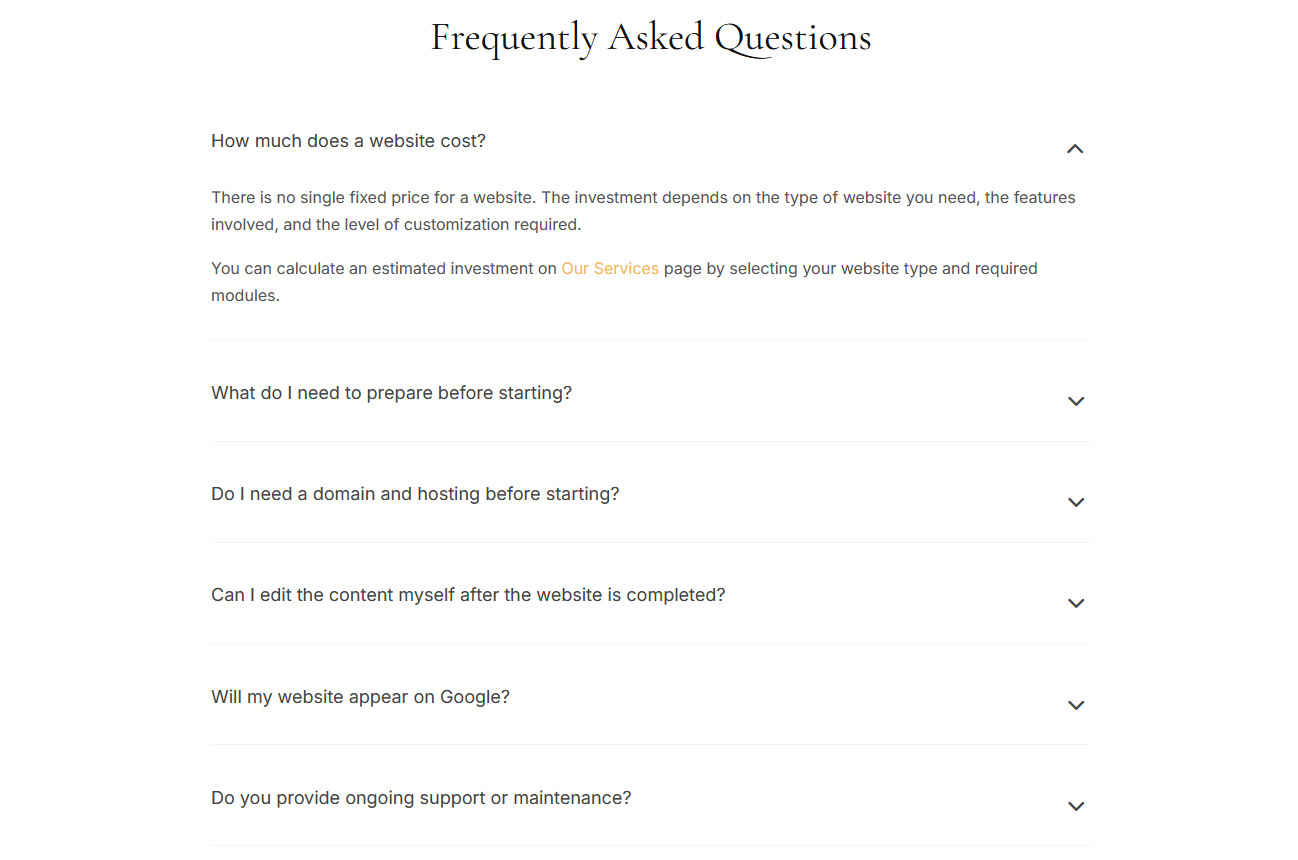
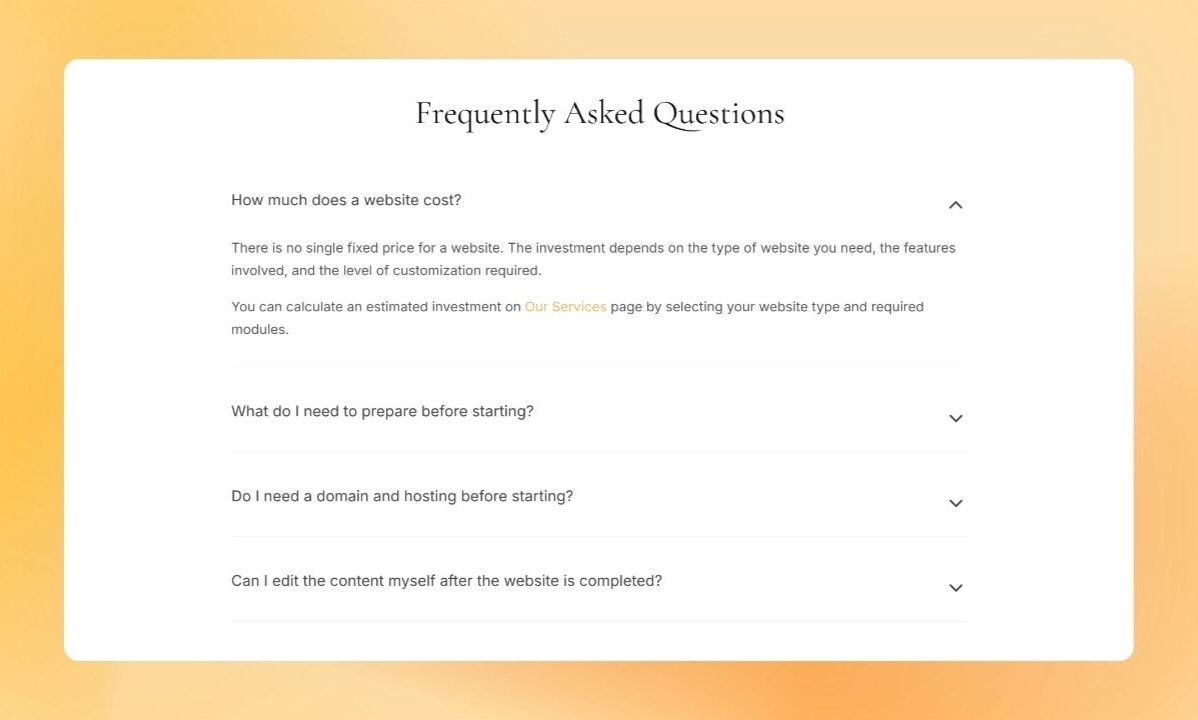
  4. On the page, the FAQ renders as an accordion (click a question to expand/collapse its answer), with a search box that filters and highlights matches in real time.

Features

  • Set FAQ display scope by page context: Global, Home, specific Product, Category, CMS page, Manufacturer, Supplier
  • Unlimited FAQ categories, with reorderable positioning for both categories and the questions within them
  • Accordion display, expanding/collapsing one answer at a time, with animation
  • HTML support in questions and answers (rich text formatting)
  • Built-in multi-language support
  • Responsive, mobile-friendly display
Loading...