Recently, we had a client who wanted the latest posts from their Facebook Page to appear automatically on their website.
PrestaShop doesn't have a built-in way to pull in social media content, so store owners are left updating their content in two places — once on Facebook, and again manually on the site.
For example, to keep a website's homepage in sync with a Facebook Page, you can do this:
Open Facebook, copy the text and image from your latest post, switch to your PrestaShop back office, create or edit a content block, paste the text, upload the image, and publish it.
Repeat this process every time you post something new — and update it again later if the post changes or gets deleted.
It pulls the latest posts from a Facebook Page via the Graph API and stores them in the store's database, then displays them as a post block on the PrestaShop website — you can choose which hook it appears on (homepage, footer, left/right column, etc.).
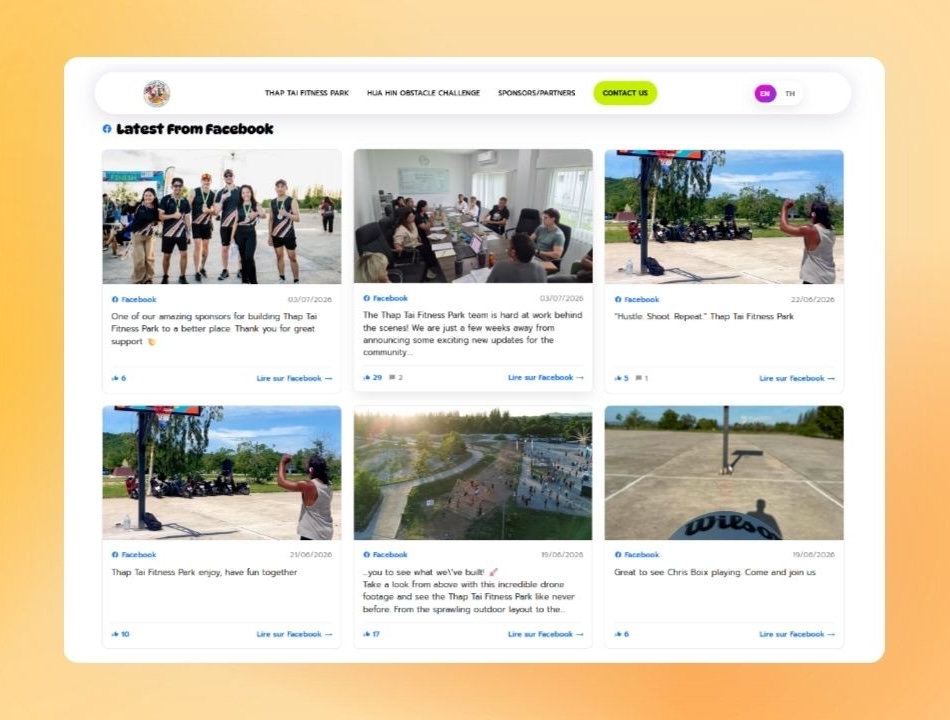
So that stores can automatically show their latest social feed on the website, instead of updating content in two places, or relying on an external embedded widget that loads slowly and can't be styled to match the site.
FacebookFetcher through Graph API v22.0 and saves the posts into a database table.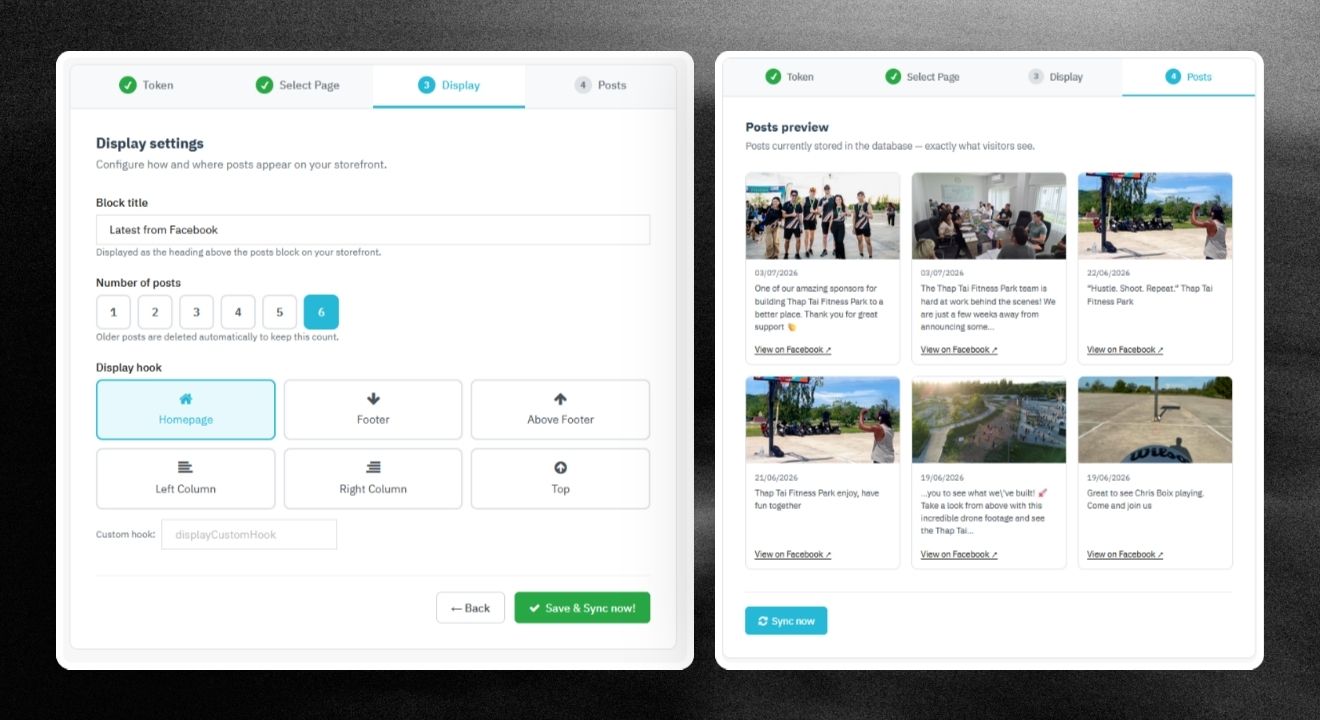
check_circle
check_circle